
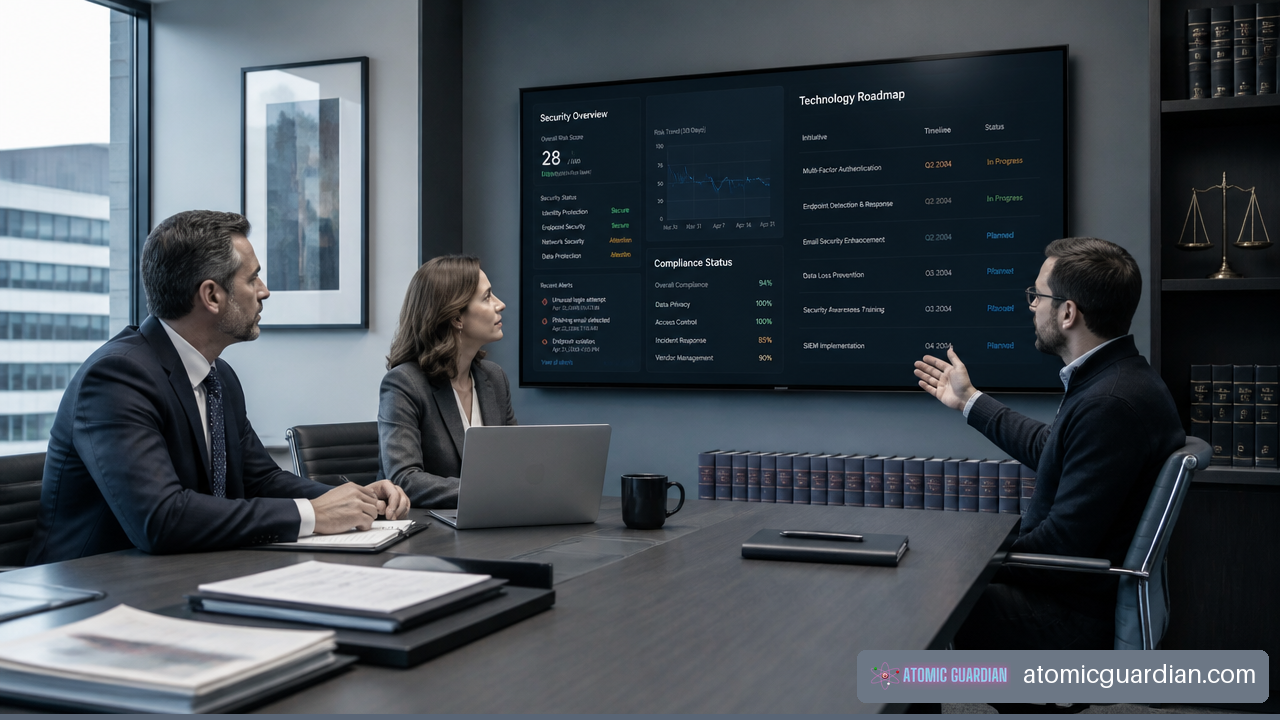
When should a law firm choose co-managed IT support? The answer is usually not based on headcount alone. It is based on whether your current IT resources can reliably support daily work, protect confidential information, respond to incidents, and complete strategic projects without creating a single point of failure.
Co-managed IT support is a shared operating model. Your internal IT employee or team keeps ownership of the firm’s technology direction and internal knowledge. A managed service provider, or MSP, takes responsibility for defined gaps such as security monitoring, help desk overflow, Microsoft 365 administration, backup testing, after-hours support, vendor coordination, or major projects.
For many firms, this model is most useful when internal IT is capable but overloaded. It can add depth without forcing you to replace the people who understand your lawyers, workflows, practice systems, and document management environment.
Table Of Contents
• Coverage Gaps That Signal You Need Co-Managed IT
• Comparing Co-Managed, Fully Managed, And Internal IT
• How To Divide Responsibilities With An MSP
• Key Takeaways
• Frequently Asked Questions
• Sources And References
Coverage Gaps That Signal You Need Co-Managed IT
Choose Co-Managed Support When Coverage Is The Problem
The clearest reason to choose co-managed IT is a coverage deficit. Your internal IT person may be skilled and trusted, but one person cannot be available for every urgent request, security alert, vendor escalation, and project at the same time.
A firm should consider co-managed support when the internal team is regularly forced to choose between keeping daily operations running and completing preventive work. For example, an IT manager may spend Monday resolving password resets, printer failures, and document access issues. By Friday, planned patching, access reviews, backup testing, and security improvements have been deferred again.
That pattern is more meaningful than a firm-size benchmark. A 15 person law firm with remote staff, cloud systems, and a busy real estate practice may have more complex needs than a larger firm using fewer systems. The question is simple: Can your current team sustain both immediate support and ongoing risk reduction?
Common coverage triggers include:
• Your internal IT person is the only person who understands core systems, administrator accounts, vendor contacts, or recovery procedures.
• Lawyers and staff wait too long for support because the internal resource is working on another issue or project.
• Security tasks such as patching, vulnerability review, endpoint monitoring, and access cleanup are frequently postponed.
• The firm has no dependable response plan for an evening email compromise, ransomware alert, or remote access failure.
• Microsoft 365, document management, practice management, billing, and cybersecurity vendors create more escalation work than one person can manage.
• Major projects repeatedly stall because the same person must also handle the help desk.
A co-managed provider can take a defined queue, operate security tooling, or supply project capacity while your internal team retains oversight. That arrangement often works better than simply asking the internal resource to work longer hours. More effort does not remove a structural dependency.
Watch For Operational Trigger Events
Some situations should prompt an immediate review of your support model. These are not proof that an internal IT employee has failed. They are signs that the firm’s technology obligations have expanded beyond the available capacity.
| Trigger Event | What It Usually Means | Appropriate Co-Managed Response |
|---|---|---|
| Repeated after-hours incidents | The firm lacks reliable incident coverage outside business hours | Add monitored alerting, escalation procedures, and after-hours response |
| Patch or security review backlog | Preventive controls are losing to daily support demands | Assign patching, vulnerability management, and reporting to the MSP |
| Delayed cloud or legal software project | Operational work is crowding out strategic work | Add project engineers and structured implementation support |
| Frequent vendor handoffs | No one owns complex escalations across vendors | Establish a provider-led vendor coordination process |
| Backup uncertainty | The firm may have backup copies without proven restoration capability | Add backup monitoring, recovery testing, and documented recovery roles |
| Internal IT absence creates disruption | Knowledge and access are concentrated in one person | Document systems and create shared administrative coverage |
A particularly risky interim arrangement is assigning technology ownership to a tech-savvy attorney, paralegal, or office manager. These employees may be highly capable, but they are not necessarily responsible for monitoring security alerts, maintaining administrator access, testing backups, or managing incident response. Their primary work can also be interrupted at the exact moment the firm needs them most.
Use A Simple Decision Threshold
You do not need a perfect scoring model to make this decision. You do need an honest view of operational risk.
Consider co-managed IT if your firm answers “yes” to three or more of these questions:
- Does one absence create a major IT support or security gap?
- Are security, documentation, or backup tests routinely delayed?
- Do lawyers experience recurring delays with core systems or vendor issues?
- Does the firm need help outside normal business hours?
- Are major initiatives delayed because internal IT is absorbed by daily tickets?
- Is there uncertainty about who would contain an account compromise or ransomware event?
- Does leadership need clearer security evidence for insurers, clients, or internal governance?
This is not a universal rule. A firm with two strong internal IT professionals may still need co-managed support if its systems are complex. Another firm may decide that a full internal hire is more appropriate if it has enough steady work, a mature management structure, and a long-term need for dedicated onsite support.
Co-managed IT is most useful when your firm has internal ownership but lacks enough coverage, specialist depth, or resilience to carry the full workload alone.
Compare Your Available Support Models
Co-Managed IT Versus Hiring Another Internal Employee
Hiring another internal IT professional can be the right decision when your firm has a stable, predictable workload that requires frequent onsite support and deep day-to-day involvement. It may also be appropriate if you need a full-time technology leader who can manage operations, vendors, budgeting, and user relationships within the firm.
Still, an additional employee does not automatically solve every gap. A second generalist may not bring dedicated expertise in cybersecurity operations, identity management, cloud configuration, or incident response. Hiring also requires time for recruiting, onboarding, training, benefits, management, and coverage during absences.
Co-managed support can offer a broader range of specialists without requiring the firm to build each capability internally. This can be more cost-effective when the firm needs expertise in specific areas but does not have enough ongoing work to justify several full-time specialists.
| Model | Best Fit | Primary Strength | Main Limitation |
|---|---|---|---|
| Internal IT only | Firms with sufficient staff, mature processes, and stable technology needs | Direct control and close knowledge of firm operations | Can create skill, coverage, and continuity gaps |
| Co-managed IT | Firms with internal IT but limited capacity or specialist depth | Shared ownership with flexible expertise and coverage | Requires clear responsibility boundaries |
| Fully managed IT | Firms with little or no internal IT ownership | Centralized support and accountability | May provide less direct internal control over priorities |
| Another internal hire | Firms with continuous demand for dedicated onsite support | Adds permanent capacity and institutional knowledge | May not provide broad security or project specialization |
The practical comparison is not simply salary versus monthly service fees. You should compare the total resource requirement: time spent managing support, access control, monitoring, testing, documentation, vendor issues, projects, and emergency response. A lower visible cost can become expensive if it leaves critical controls incomplete.
Co-Managed IT Versus Fully Managed IT
Fully managed IT is usually a better fit when your firm has no qualified internal IT owner and does not want to build one. The provider becomes the primary technology operator, handling support, planning, administration, and vendor coordination under a defined service model.
Co-managed support works best when your firm wants to preserve internal knowledge and decision-making. Your internal IT team may understand which legal workflows cannot be interrupted, how practice groups use document systems, and which partners require tailored support. The MSP complements that knowledge rather than replacing it.
If you are deciding between the two, review a detailed comparison of co-managed IT vs managed IT before assuming one model is automatically less expensive or more secure. The strongest option depends on who owns technology decisions, who can approve changes, and whether the firm can sustain internal governance.
When Co-Managed IT Is Not The Right Choice
Co-managed IT is not always the best answer. It can fail when the firm expects an MSP to “handle everything” but has no internal person empowered to make decisions, approve changes, explain business priorities, or maintain accountability.
You may be better served by fully managed IT when:
• The firm has no internal IT employee or technology owner.
• Leadership wants a single provider to own the help desk, infrastructure, vendors, and strategic planning.
• Internal staff lack the time or authority to participate in governance meetings and approve shared procedures.
• The firm’s technology environment is simple enough that a full-service provider can manage it efficiently.
You may be better served by a stronger internal team when:
• Your firm requires extensive onsite support every day.
• Technology work is central to your operating model and requires dedicated internal development or systems administration.
• You have enough sustained demand to justify multiple specialized internal roles.
Fair warning: co-managed IT without a real internal owner can become fragmented. The internal team may assume the provider handles a task, while the provider assumes the firm owns it. That is how dormant accounts, untested backups, and unresolved vulnerabilities persist.
Build A Shared Responsibility Model That Works
Keep Business Ownership Inside The Firm
Your law firm should retain ownership of decisions that depend on legal operations, confidentiality expectations, and business priorities. An MSP can advise, implement, monitor, and document. It should not make unreviewed decisions about who receives access to sensitive matter files, how long records are retained, or which workflow changes lawyers must accept.
A useful division of responsibility often looks like this:
| Area | Internal IT Or Firm Leadership | Co-Managed MSP |
|---|---|---|
| Technology priorities | Set business priorities, approve budget, identify legal workflow needs | Recommend roadmap, provide cost and risk analysis |
| User access approval | Confirm role, matter access, and departure timing | Provision accounts, enforce authentication, document changes |
| Microsoft 365 | Define collaboration and retention needs | Configure, monitor, secure, and troubleshoot the platform |
| Help desk | Handle firm-specific issues when appropriate | Provide overflow support and defined service coverage |
| Security monitoring | Review risk decisions and major incident updates | Monitor alerts, investigate, contain, and escalate |
| Backups and recovery | Approve recovery priorities and test outcomes | Manage backup jobs, test restorations, maintain runbooks |
| Vendor management | Own commercial relationships and business decisions | Coordinate technical escalations and implementation work |
For firms seeking a structured version of this model, co-managed IT services can be designed around a defined split of duties rather than a vague promise of extra support.
Treat Identity, Backups, And Incidents As Shared Controls
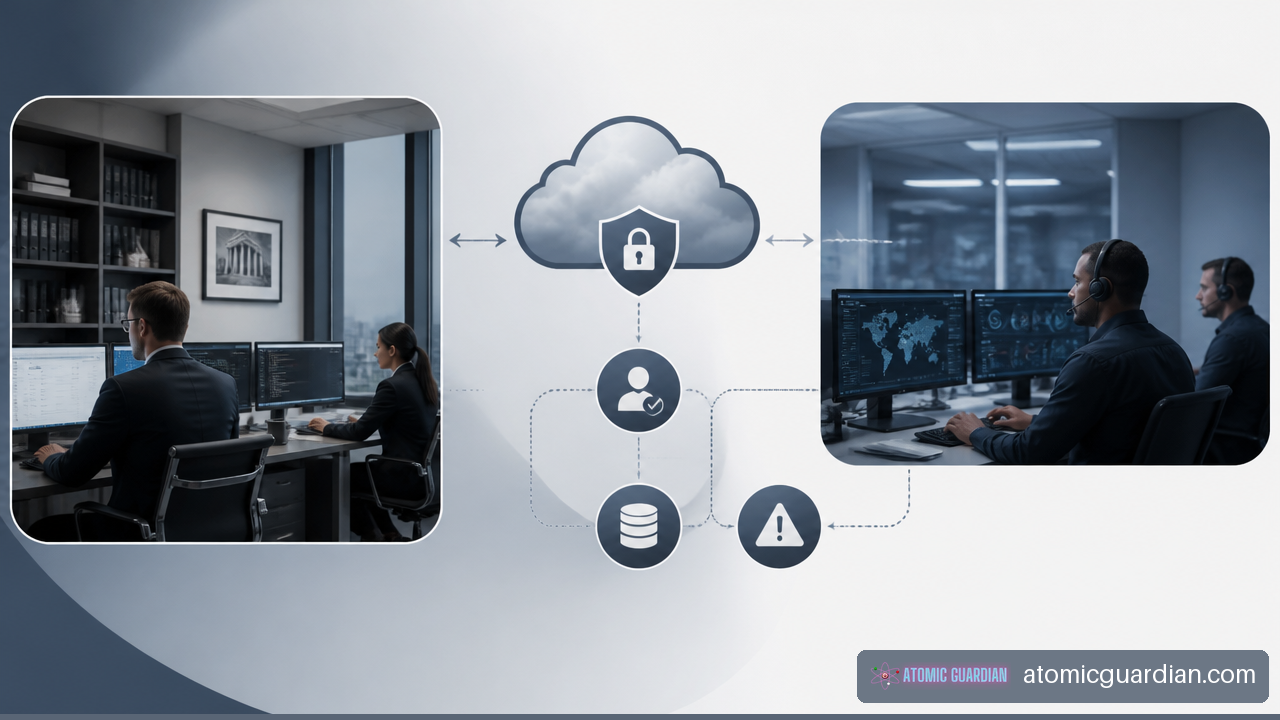
The strongest co-managed arrangements define ownership before an incident occurs. Identity and access management is a good example. The firm should approve who needs access and when access must end. The MSP can enforce multifactor authentication, manage technical provisioning, monitor unusual sign-in activity, and document administrative changes.
The same principle applies to backups. Your firm should decide which systems are critical, how quickly each must be restored, and who can authorize recovery decisions. The MSP should verify backup success, test restoration procedures, protect backup access, and maintain recovery documentation.
NIST’s Cybersecurity Framework functions identify, protect, detect, respond, and recover as related security functions. That structure supports a split-responsibility operating model because no single person needs to own every task, but every task needs a named owner.
CISA’s ransomware preparedness guidance also reinforces why backup, recovery, and incident response planning require sustained attention. These are not controls that can be set once and forgotten.
Prepare For California Privacy And Breach Response
For California law firms handling personal information, security planning has legal and operational consequences. California Civil Code section 1798.81.5 requires businesses to implement and maintain reasonable security procedures and practices for personal information. Your shared support model should therefore make clear who maintains technical controls, who reviews access, and who retains evidence of completed work. See the reasonable security procedures requirement for the statutory language.
California’s breach notification law also makes incident-response readiness relevant for law firms handling personal information. Under Civil Code section 1798.82, certain breaches involving computerized personal information may trigger notification obligations. A co-managed model can improve readiness when it provides defined triage, containment, evidence preservation, and escalation steps. Review California’s breach notification requirements as part of your planning.
This does not mean an MSP can determine all legal obligations for the firm. Legal counsel and firm leadership should direct legal analysis, notification decisions, and client communications. The provider’s role is to provide reliable technical facts: what happened, which accounts or systems were affected, what containment actions occurred, and what evidence is available.
Key Takeaways
The Best Fit Is A Firm With Internal Ownership And External Gaps
Choose co-managed IT support when your firm has an internal IT resource or capable technology owner but cannot consistently cover operations, security, projects, and incident response alone. The strongest fit is not “mid-sized firm.” It is “firm with measurable coverage gaps.”
Shared Accountability Must Be Written Down
Do not rely on assumptions. Assign ownership for access approval, monitoring, patching, backups, recovery tests, incident escalation, vendor coordination, and reporting. A service agreement without an operating model can create confusion instead of resilience.
Measure Results In Business Terms
Review whether the model is working through evidence, not ticket volume alone:
• Time to respond to critical support and security events.
• Number and age of unresolved high-priority issues.
• Patch, backup, and recovery test completion.
• Frequency of after-hours disruptions.
• Project delivery against planned timelines.
• Quality of access records, incident documentation, and security reporting.
Frequently Asked Questions
When Should A Law Firm Choose Co-Managed IT Support Instead Of Hiring Another IT Person?
Choose co-managed support when you need broader expertise or extended coverage but do not have enough steady demand to justify another full-time specialist. Hiring may be better when your firm needs daily onsite support and sustained internal capacity. Co-managed support is often more practical when the main gaps are cybersecurity, project delivery, backup testing, after-hours response, or help desk overflow.
What Size Law Firm Is A Good Fit For Co-Managed IT?
There is no reliable universal size threshold. A smaller firm may need co-managed IT if it relies heavily on cloud systems, remote work, document management, and confidential data. A larger firm may not need it if it has a mature internal team with enough coverage. Assess workload, system complexity, security obligations, and single-person dependency instead of using employee count alone.
How Do You Know Your In-House IT Team Is Too Small?
Your team is likely too small when support requests, security tasks, and projects repeatedly compete for the same limited time. Other signs include patch backlogs, delayed vendor escalations, incomplete documentation, missed backup tests, or disruption when one person is unavailable. The issue is not whether the employee is working hard. It is whether the operating model can reliably meet the firm’s needs.
What IT Tasks Should Stay In-House At A Law Firm?
The firm should retain control of business priorities, access approvals, legal workflow decisions, budget approval, vendor contracts, and incident communications. Internal staff are also valuable for explaining the practical effect of technology changes on lawyers, assistants, and practice groups. Technical implementation and monitoring can be shared, but business authority should remain clear within the firm.
What Tasks Should A Co-Managed Provider Handle?
A provider can handle defined technical functions such as help desk overflow, endpoint monitoring, Microsoft 365 administration, patching, vulnerability management, backup monitoring, restoration testing, security alert triage, project engineering, and technical vendor coordination. The exact split should match your team’s strengths. Avoid outsourcing tasks without documenting who approves and reviews the work.
Is Co-Managed IT Better Than Fully Managed IT For A Law Firm?
Neither model is always better. Co-managed IT is better when you have internal capability worth preserving and need reinforcement. Fully managed IT is often better when you have no internal technology owner and want one provider to operate the environment. The deciding factor is governance: who can make timely decisions, manage priorities, and hold each party accountable?
Can Co-Managed IT Help With Cyber Insurance Readiness?
It can help by improving documentation discipline around security controls, backup tests, identity management, monitoring, and incident response. However, it does not guarantee insurance eligibility, coverage, or claim outcomes. Your firm should review insurer requirements carefully and use the provider’s reports as evidence of completed technical controls where appropriate.
Sources And References
- California Legislative Information — Civil Code section 1798.82
https://leginfo.legislature.ca.gov/faces/codes_displaySection.xhtml?sectionNum=1798.82.&lawCode=CIV
- California Legislative Information — Civil Code section 1798.81.5
https://leginfo.legislature.ca.gov/faces/codes_displaySection.xhtml?sectionNum=1798.81.5.&lawCode=CIV
- NIST — Cybersecurity Framework
https://www.nist.gov/cyberframework
- CISA — Ransomware Guide
https://www.cisa.gov/stopransomware/ransomware-guide