
A law firm IT provider with a 30 minute response guarantee can help protect your firm from costly delays when email, document access, identity systems, phones, or legal applications fail. But the value of that guarantee depends on what the contract actually requires the provider to do within those 30 minutes.
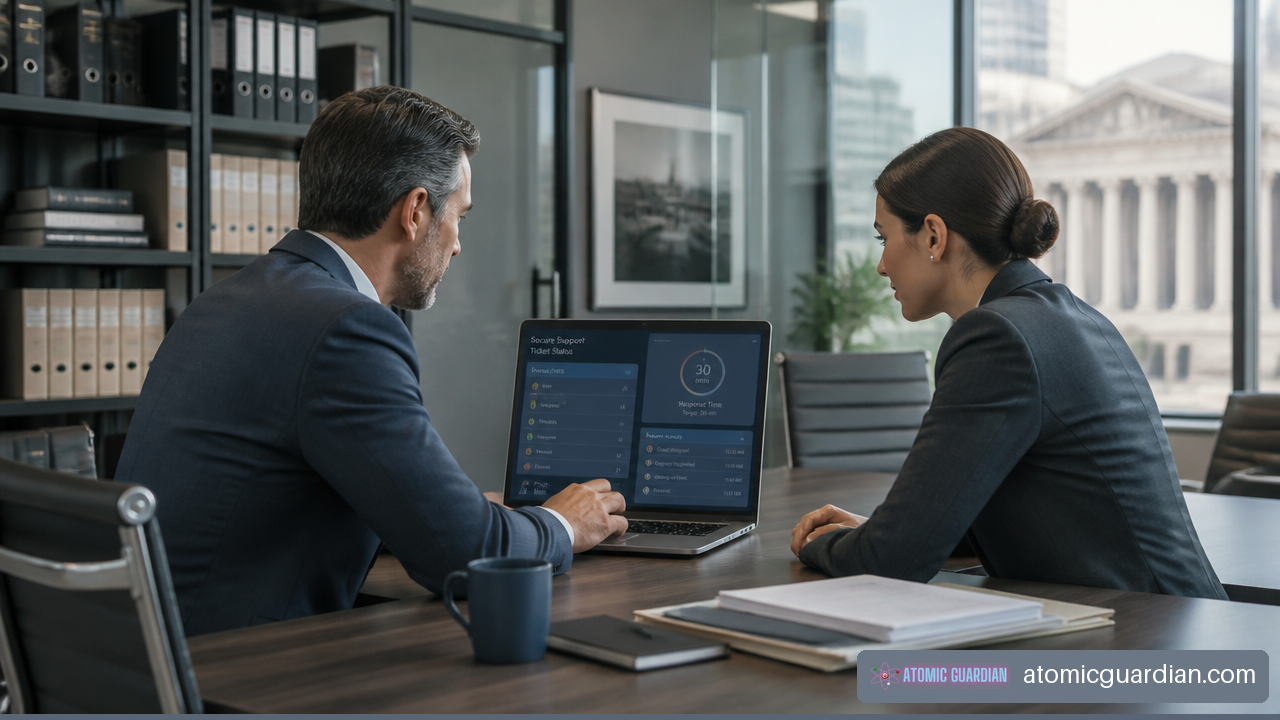
A rapid response promise should not be treated as a marketing slogan. It should be a measurable service commitment that identifies which issues qualify, when the clock starts, who responds, how escalation works, and what happens if the provider misses the target.
Table Of Contents
- Key Takeaways
- What A 30 Minute Response Guarantee Should Mean
- How A Legal IT Provider Delivers Fast Support
- FAQ
- Sources And References
Key Takeaways
• A 30 minute response guarantee normally means initial human action, not full restoration of service within 30 minutes.
• Your SLA should define the response window, severity levels, business hours, after hours coverage, approved support channels, exclusions, and remedies.
• Firm wide outages, ransomware concerns, identity lockouts, document management failures, and filing deadline incidents should receive the fastest escalation.
• Ask for evidence of actual performance, including monthly SLA reports, ticket timestamps, escalation records, and restore test results.
• Fast response reduces the time before an incident is assessed. It does not replace tested backups, security controls, vendor coordination, or a recovery plan.
• A provider that knows your legal technology stack can triage faster because it understands which systems stop billable work, client communication, and deadline driven tasks.
What A 30 Minute Response Guarantee Should Mean
Response Is Not The Same As Resolution
The first question is simple: what counts as a response? A provider may define it as an automated ticket acknowledgment, a call from a service coordinator, an engineer beginning diagnosis, or a temporary workaround. These are very different levels of service.
A meaningful response guarantee should require a qualified person to review the issue, confirm its severity, begin triage, and communicate the next step. An auto reply that says a ticket was received may be useful, but it does not restore access to a matter file or resolve an email outage.
Some legal IT providers publicly market 30 minute response commitments as a service promise, including law firm IT services with a 30 minute response commitment. Other providers also advertise a guaranteed 30 minute response for law firm support. Those claims are useful starting points, but your decision should rest on the written SLA rather than the headline.
Consider two incidents:
| Incident | A 30 Minute Response Could Mean | Resolution May Take |
|---|---|---|
| Lawyer cannot access Microsoft 365 | Engineer validates the identity issue and starts account recovery | Minutes to several hours, depending on cause and security checks |
| Firm wide document system outage | Major incident is opened, users are informed, and vendor escalation begins | Hours or longer if a cloud vendor or database recovery is involved |
| Suspected ransomware | Security team isolates affected systems and begins incident triage | Days, depending on containment, investigation, and restoration |
| Broken printer for one workstation | Technician reviews the ticket and schedules remote support | Often same day, but not necessarily within 30 minutes |
A response target measures the speed of engagement. A recovery target measures the speed of restored business service. Your firm needs both.
A provider may be able to respond quickly yet still need time to work with Microsoft, a legal software vendor, an internet carrier, or a line of business application provider. That is not automatically a service failure. The important question is whether the provider owns coordination, communicates clearly, and escalates before the delay affects a deadline or client matter.
The SLA Must Define The Clock
A reliable SLA identifies the measurement start time. Does the timer begin when your staff send an email, open a portal ticket, call a dedicated emergency number, or when the provider classifies the issue as urgent?
If an urgent issue is reported by email at 4:55 p.m. and the provider does not review it until the next business day, a business hours SLA may technically be met while your firm experiences a long interruption. That is why you should require clear language for critical incidents.
Your agreement should answer these questions:
- Which channels start the response clock for urgent incidents?
- Does the target apply during business hours only, or also overnight, weekends, and holidays?
- Is the target measured from ticket receipt or after classification?
- Does an automated acknowledgment count as a response?
- Does a qualified technician need to make contact?
- Is the guarantee remote only, or does it include onsite dispatch?
- What pauses the clock, such as waiting for your approval, third party access, or unavailable users?
Some providers explicitly market a guaranteed 30 minute response for legal IT support, but the operational details still belong in the service agreement. If those details are absent, assume the promise may be narrower than it sounds.
Build A Severity Matrix Around Legal Work
A generic severity matrix may treat all users and systems alike. A law firm should rank incidents by business impact. A single billing report issue may be inconvenient; a firm wide inability to access email before a closing or filing deadline is more serious.
| Priority | Example Legal Impact | Suggested Response Expectation | Required Provider Action |
|---|---|---|---|
| Critical | Firm wide email, document system, identity, phone, or ransomware incident | 15 to 30 minutes, including after hours if contracted | Open major incident, assign lead, isolate risk, provide status updates |
| High | Multiple users blocked from legal software or secure remote work | 30 minutes during covered hours | Begin technical triage and escalate to the right support tier |
| Normal | One user has a noncritical software or device issue | Same business day or agreed target | Diagnose, schedule, and resolve based on queue priority |
| Request | New user, access change, equipment request, or planned work | Defined fulfillment target | Confirm scope, approvals, and expected completion date |
Legal IT response expectations commonly place urgent incidents in the 15 to 30 minute range, as discussed in guidance on law firm IT response times and urgency tiers. Your firm does not need every task handled as a critical emergency. In fact, treating routine requests as urgent can make genuine emergencies harder to manage. The goal is disciplined prioritization.
How A Legal IT Provider Delivers Fast Support
The Guarantee Requires More Than A Help Desk
A real 30 minute response capability depends on operating systems behind the service desk. The provider needs monitored alerts, documented client environments, a staffed escalation path, secure remote support tools, and clear ownership for major incidents.
Monitoring matters because it can detect certain failures before a lawyer reports them. For example, if a firewall loses connectivity, a backup job fails, or a Microsoft 365 account shows unusual sign in behavior, the provider may begin investigation before the problem spreads. That does not eliminate every outage. It does reduce the time lost between failure, discovery, and action.
Fast support also requires current documentation. An engineer cannot efficiently troubleshoot a network or legal application if they must first determine who owns the domain, where backups are stored, which administrator accounts exist, or whether a vendor support contract is active.
A capable support model normally includes:
• A monitored ticketing system with timestamps and severity rules.
• Direct emergency contact options for critical incidents.
• Documented escalation from frontline support to senior engineers and security specialists.
• Secure remote access that allows immediate assistance without waiting for an onsite visit.
• Asset, identity, network, and software records that are kept current.
• A major incident process for firm wide outages and security events.
• Regular service reporting that shows whether SLA targets were met.
For a closer view of the service model, review a legal office help desk with guaranteed response times and compare its stated scope with your own operational needs.
Legal Technology Changes The Support Scope
Your provider does not need to build every legal platform to support your firm effectively. It does need to know where its responsibility begins and ends.
For example, a document management system may be hosted by a third party, but your IT provider may still be responsible for confirming whether the root cause is a workstation issue, browser problem, identity failure, network block, single sign on configuration, or vendor platform outage. If the vendor must act, your IT provider should collect useful diagnostics, open the escalation, and keep your firm informed.
This distinction is especially important for Microsoft 365, practice management software, document management systems, e signature tools, accounting platforms, VoIP phones, and secure remote access. Each platform may have a different vendor support process. Without clear ownership, your staff can end up moving between vendors while work remains stopped.
Ask your provider to map support responsibilities in writing:
| System Area | Provider Should Typically Own | Provider May Need To Coordinate |
|---|---|---|
| Microsoft 365 | User access, device setup, security settings, email troubleshooting | Microsoft platform incidents |
| Legal practice software | Workstation access, browser issues, identity integration, network checks | Application defects and vendor hosted outages |
| Document management | Permissions, endpoint access, connectivity, local integrations | Database, hosted service, or product defects |
| Backup and recovery | Backup monitoring, restore requests, recovery planning | Cloud platform or specialized application restoration |
| Internet and phones | Local network diagnosis, failover checks, vendor escalation | Carrier outage repair and circuit restoration |
A responsive IT help desk for law firms should make these boundaries clear before an outage occurs, not while a closing, hearing, or client communication is at risk.
Verify The Promise Before You Sign
Do not rely on an average response time alone. An average can look excellent even when a small number of critical tickets wait far too long. For a law firm, the better measure is the percentage of eligible critical and high priority tickets that met the stated target.
Request at least three months of anonymized SLA performance data. The report should show ticket creation time, first human response time, severity, business hours status, escalation history, and whether the SLA was met. You do not need confidential details from another organization. You need enough evidence to see how the provider measures performance.
A written SLA and tested recovery process should be part of your review. Guidance for small law firms on cybersecurity providers also recommends requesting a written SLA and verifying response and backup recovery procedures.
Use this vendor audit sequence:
- Ask for the exact SLA language before accepting a proposal.
- Confirm that the 30 minute target is tied to a human response and initial triage.
- Review the severity matrix with real examples from your firm.
- Confirm coverage hours for critical events, including weekends and holidays.
- Ask whether emergency calls, portal tickets, and emails have different response targets.
- Identify remote support limits and expected onsite dispatch timing.
- Review service credits or other remedies for missed targets.
- Request recent SLA reporting and a sample major incident communication.
- Review backup restore testing separately from response metrics.
- Confirm that the provider will coordinate with legal software, cloud, telecom, and cybersecurity vendors.
Fair warning: a service credit is not a substitute for restored operations. It may show accountability, but a modest credit does little to offset a missed deadline, disrupted transaction, or extended client communication failure. Give greater weight to escalation design, recovery planning, and evidence of consistent performance.
When comparing providers, use this how to choose a law firm IT support company resource alongside the provider’s SLA, support reports, and recovery documentation.
FAQ
What Does A 30 Minute Response Guarantee Mean For A Law Firm IT Provider?
It should mean that an authorized support professional responds to an eligible urgent request within 30 minutes, begins triage, and identifies the next action. The SLA should define whether this applies to phone calls, tickets, after hours incidents, or only certain priority levels.
Is A 30 Minute Response The Same As A 30 Minute Fix?
No. Response time measures how quickly the provider engages. Resolution time measures how long it takes to restore the service. A password lockout may be fixed quickly, while a ransomware event or cloud platform outage can require extended investigation and recovery.
Does The Guarantee Apply After Hours And On Weekends?
Only if the agreement says it does. Some providers offer business hours targets, while others provide after hours emergency coverage. Confirm the hours, emergency contact method, and whether critical incidents have a different target from routine tickets.
Is The Guarantee Remote Only Or Does It Include Onsite Support?
Many response guarantees apply to remote engagement first. Onsite dispatch may be separately scheduled and may depend on geography, technician availability, hardware needs, and the nature of the issue. Ask for an onsite target if physical presence is essential to your operations.
What Problems Should Be Treated As Urgent?
Firm wide email failures, document management outages, ransomware concerns, identity access failures, phone outages, internet loss, and deadline related system disruptions should normally be treated as critical or high priority. Your provider should help tailor the severity matrix to your firm.
What Happens If The Provider Misses The Response Window?
The SLA may provide service credits, escalation to management, or reporting obligations. Terms vary. More importantly, ask how the provider investigates missed targets and changes its process to prevent repeat failures.
How Can You Verify A Provider’s Response Time Claim?
Ask for the written SLA, sample monthly performance reports, definitions of first response and resolution, and recent anonymized ticket metrics. Also request examples of major incident communications and confirm how the provider handles third party vendor escalations.
Sources And References
• Alltek Holdings — Legal and Law Firm IT Services: https://www.alltekholdings.com/legal-law-firm-it/
• Qual IT — IT Support for Law Firms in Salt Lake City: https://www.qualit.com/industries/law/
• PCe Solutions — Legal IT Services: https://pcesolutions.net/legal-it-services-tampa/
• ELMIDA Solutions — Law Firm IT Response Times: Expectations: https://www.elmidasolutions.com/blog/guide-law-firm-it-response-times
• nDataStor — Best Cybersecurity Providers for Small Law Firms: https://www.ndatastor.com/feeds/blog/best-cybersecurity-providers-small-law-firms